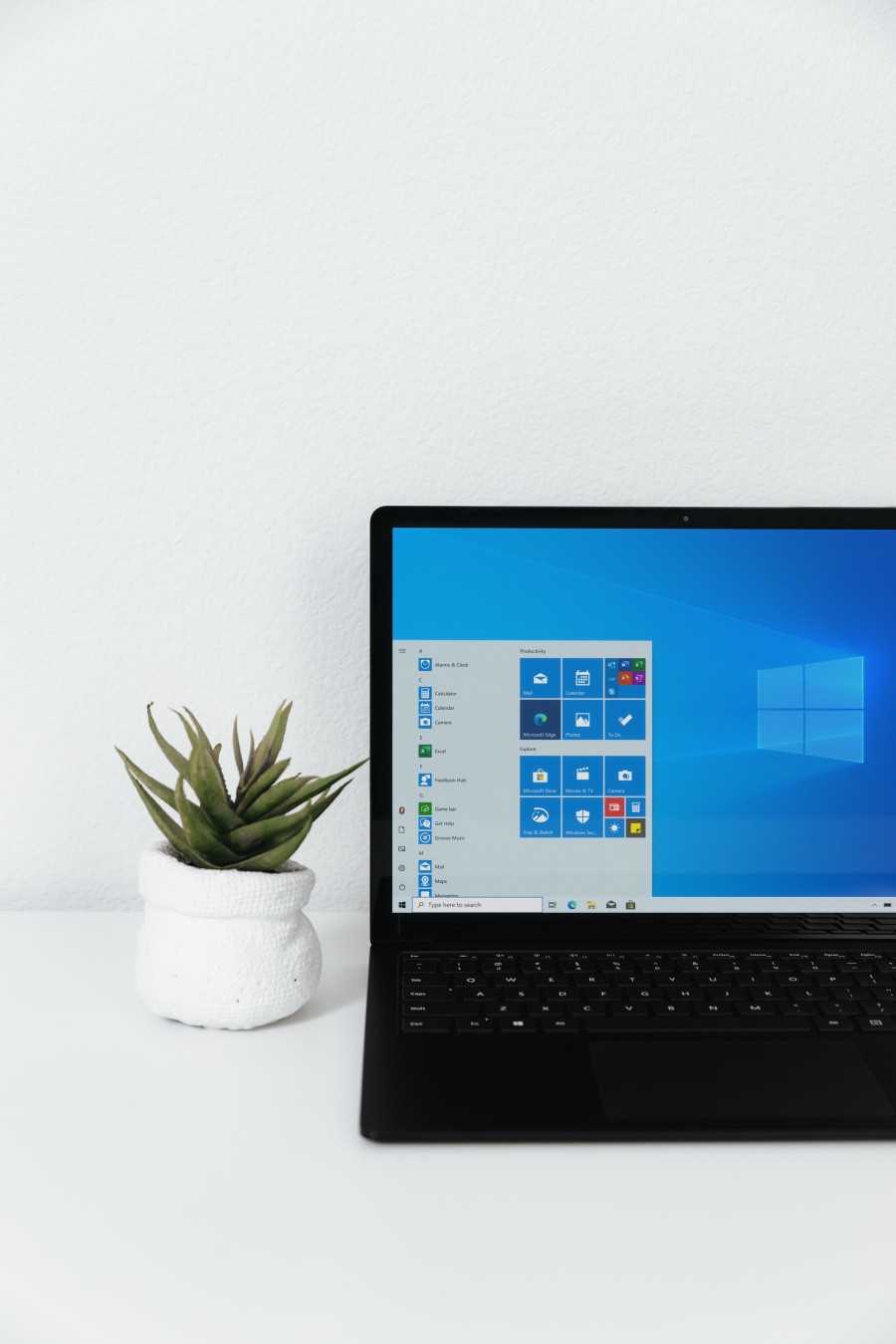
Organizing Your Digital Life: Managing Files and Folders on Windows
By Admin,
In today's digital age, our lives are filled with an ever-increasing volume of digital files, from documents and photos to music and videos. Efficiently organizing these files can save you time and reduce frustration. In this article, we'll explore essential tips and techniques to help you manage your digital life by organizing files and folders on your Windows computer.
Cluttered and disorganized digital files can slow you down, make it difficult to find what you need, and even put your data at risk. Effective organization not only streamlines your workflow but also ensures the safety and accessibility of your files.
Before diving into file management, take a moment to plan how you want to structure your files and folders. Consider categories, subcategories, and the naming conventions you'll use. A well-thought-out plan simplifies the organization process.
Organize dour desktop
Your Windows desktop is like a physical desk. Keep it clean and clutter-free. Use it for temporary files or shortcuts to frequently accessed folders or applications. Regularly move files to their appropriate locations.
Create a logical folder structure
Establish a clear and logical hierarchy for your files and folders. Create a main folder for each category (e.g., "Work," "Personal," "Projects") and then subfolders within them. Use descriptive names to easily identify the contents.
Effective file naming
Consistent and meaningful file names are key to finding what you need quickly. Include dates, version numbers, and relevant keywords. Avoid special characters and spaces in file names.
Utilize libraries
Windows Libraries allow you to consolidate files from different folders and drives into one organized view. Use them to group related content, like documents, music, or photos.
Use tags and metadata
Take advantage of file metadata and tags to add context to your files. This makes searching and categorizing files more efficient. Windows allows you to add tags and details to files easily.
Regular cleanup
Don't let your digital space become cluttered. Periodically review and delete files you no longer need. This practice ensures your storage remains manageable and organized.
Backup and sync
Invest in a reliable backup solution to protect your files from data loss. Additionally, consider using cloud storage or synchronization services to access your files from multiple devices.
Search and indexing
Windows offers powerful search and indexing capabilities. Learn to use the built-in search features to find files quickly.
Third-party tools
Explore third-party file management tools and applications that can enhance your organization efforts. Tools like Total Commander, XYplorer, or Directory Opus offer advanced features and customization.
Efficiently organizing your digital life on Windows is a valuable skill that can save time, reduce stress, and keep your files safe. With a well-planned folder structure, clear file naming conventions, and the use of libraries, tags, and metadata, you can take control of your digital world. Regular maintenance and backup practices further safeguard your data and ensure you can access what you need when you need it. Start organizing your digital life today and enjoy a more streamlined and efficient computing experience.